
In today’s digital landscape, educators are constantly seeking strategies to document and celebrate each learner’s progress. One of the most transformative approaches this year (2026) is the adoption of digital portfolios. Unlike paper folders or binders, digital portfolios provide a dynamic online space where students can curate multimedia artifacts, upload written reflections, and showcase project outcomes. By integrating audio, video, hyperlinks, and interactive elements, these modern portfolios offer a comprehensive view of student growth over time. As schools embrace remote and hybrid learning models, digital portfolios empower learners to take charge of their narrative, engage in ongoing self-assessment, and present authentic evidence of mastery to teachers, peers, and parents.
Building digital portfolios supports a growth mindset by encouraging regular reflection on successes and areas for improvement. Students learn to set SMART goals, track their achievements, and develop metacognitive skills that extend beyond individual assignments. Meanwhile, educators benefit from richer assessment data, moving beyond standardized tests to evaluate critical thinking, creativity, and collaboration. Stakeholders—including parents and community partners—gain transparent access to student work, fostering greater trust and involvement. In this comprehensive guide, we will explore the essentials of creating effective digital portfolios, examine key benefits, highlight best practices for implementation, and provide tips on showcasing student accomplishments effectively.
Understanding Digital Portfolios and Their Impact
Digital portfolios, also known as e-portfolios, serve as multimedia repositories where learners collect and reflect on artifacts demonstrating their skills and knowledge. These artifacts can include essays, project reports, audio recordings, videos of presentations, artwork, and interactive slideshows. By leveraging cloud-based platforms, students and teachers collaborate to set objectives, select representative work samples, and annotate each entry with reflective comments. Over the course of a semester or academic year, this evolving archive becomes a powerful record of individual growth and competency development.
Key Components of Digital Portfolios
- Artifacts: Samples of student work, including text documents, images, audio, and video.
- Reflections: Student-written or recorded insights on learning processes, challenges, and achievements.
- Goals: Clearly defined SMART (Specific, Measurable, Achievable, Relevant, Time-bound) objectives for portfolio development.
- Feedback: Comments and evaluations from teachers, peers, and external mentors.
- Presentation: An organized layout that enables easy navigation and highlights key accomplishments.
Research from the Institute of Education Sciences suggests that digital portfolios can enhance student engagement by up to 30% and significantly improve metacognitive skills when integrated systematically into curricula. In higher education, institutions like those within the UNESCO network are employing e-portfolios to prepare graduates for workforce demands, demonstrating the global reach and relevance of this approach.
In today’s classroom, digital portfolios bridge the gap between formative and summative assessment. They offer a continuous feedback loop, allowing learners to revisit earlier work, identify patterns, and set new learning targets. As a result, both students and teachers gain a clearer understanding of progress, leading to targeted interventions and more personalized instruction.
Advantages of Building Digital Portfolios for Student Growth

Implementing digital portfolios offers multifaceted benefits in today’s educational environment. First, students become active architects of their learning journey. By selecting artifacts that best represent their skills, they develop critical decision-making abilities and reflect on the depth of their understanding. This empowers learners to take ownership, fostering motivation and accountability.
Second, digital portfolios facilitate authentic assessment. Traditional tests often measure short-term recall, whereas portfolios capture complex competencies such as problem-solving, creativity, and collaboration. Teachers can evaluate work samples in context, provide specific, actionable feedback, and track progress over time. The result is a holistic view of student performance that aligns with real-world skills demanded by colleges and employers.
Building a Growth Mindset Through Reflection
Reflection lies at the heart of digital portfolios. By encouraging students to analyze what strategies worked, which obstacles emerged, and how they adapted, educators nurture metacognitive awareness. This practice cultivates a growth mindset—a belief that abilities can develop through effort and learning. Studies indicate that students who engage in regular reflection are more likely to set ambitious goals and persist through challenges.
Enhanced Communication and Transparency
Digital portfolios create transparent channels of communication among students, teachers, and families. Parents gain insight into learning milestones and can celebrate successes at home. Teachers share rubrics, progress reports, and feedback directly in the portfolio, eliminating the need for separate grading systems. Administrators can review aggregated data to inform curriculum refinement and professional development strategies. In today’s interconnected world, this level of openness builds trust, strengthens partnerships, and ensures that all stakeholders are invested in student success.
Choosing the Right Platforms and Tools
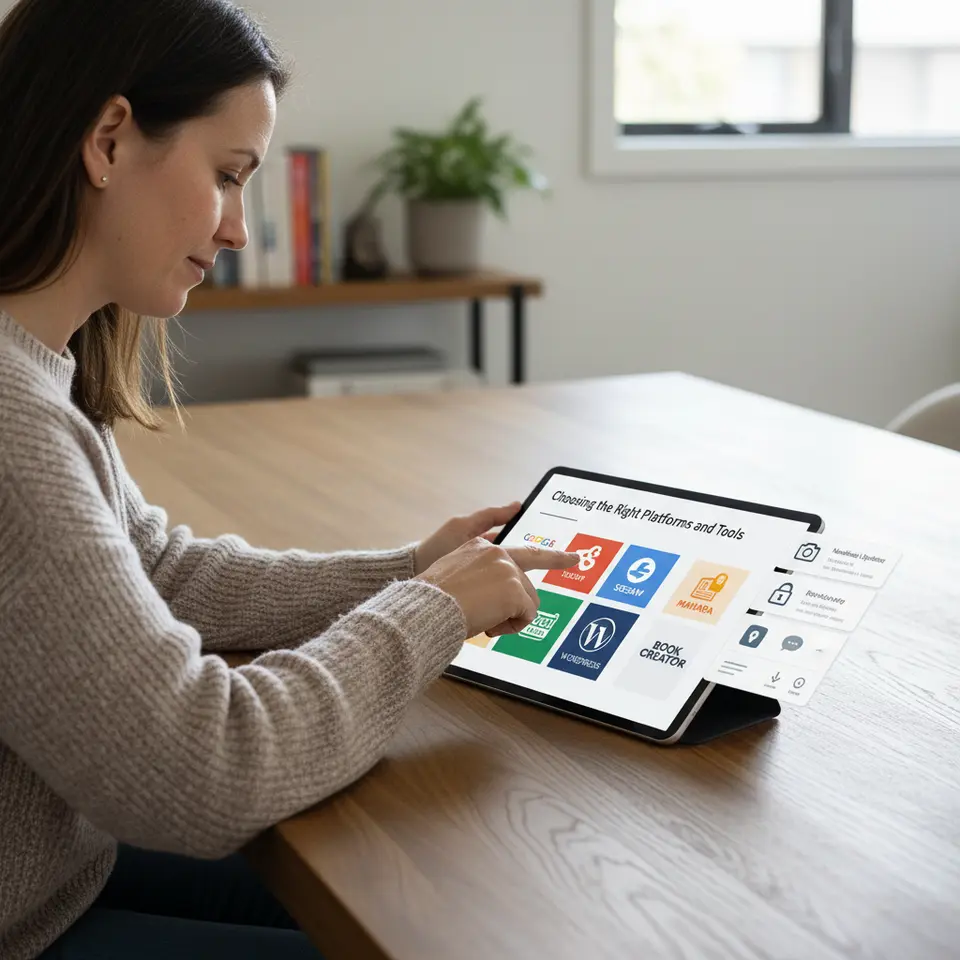
Selecting an appropriate platform is crucial to streamline digital portfolio creation and maintenance. Platforms should balance user-friendliness with robust features to support multimedia integration, privacy controls, and collaboration. Below is a selection of popular tools that cater to various educational levels and needs:
- Google Sites: Seamlessly integrates with G Suite for Education, enabling students to embed Docs, Slides, and Videos. Its intuitive interface suits K–12 classrooms and higher education alike.
- Seesaw: Designed for younger learners, Seesaw offers kid-friendly workflows and family engagement features, making it easy to share updates with parents.
- Mahara: An open-source e-portfolio system widely used in universities. Mahara supports e-assessment, group portfolios, and detailed access controls.
- Book Creator: A versatile tool for multimedia storytelling. Students can combine text, images, audio, and video, creating interactive digital books.
- WordPress: Offers extensive customization through themes and plugins. Ideal for advanced users who want full control over design and functionality.
Evaluating Key Features
When deciding on a solution for digital portfolios, consider these criteria:
- Ease of Use: Students and teachers should navigate the platform without steep learning curves.
- Multimedia Support: The ability to upload images, audio, video, and embed external content.
- Privacy and Security: Compliance with FERPA, COPPA, and GDPR as needed, along with password protection and access controls.
- Feedback Mechanisms: Tools for commenting, annotation, and rubric-based evaluation.
- Accessibility: Support for screen readers, alt text, captions, and multiple languages to ensure inclusivity.
Before district-wide rollout, pilot a small group of students and teachers to gather feedback. This helps identify potential technical issues, training needs, and desired feature enhancements. Training sessions, quick reference guides, and exemplar portfolios can accelerate adoption and ensure confidence among all users.
Implementing Digital Portfolios with Best Practices
Effective portfolio implementation hinges on clear guidelines and consistent support. Begin by collaborating with students to define SMART objectives for their portfolios. Articulate what constitutes exemplary work and establish rubrics that outline quality criteria. For instance, a rubric may specify expectations for the depth of reflection, the diversity of artifacts, and the clarity of presentation.
Designing Structured Templates
A well-structured template provides students with an intuitive framework. Use clear headings such as “About Me,” “Learning Goals,” “Artifacts,” and “Reflections.” Embed placeholders for multimedia uploads and prompts like, “Describe a challenge you overcame in this project.” Visual consistency across portfolios reduces cognitive load, allowing reviewers to focus on content quality rather than navigation.
Embedding Portfolio Activities into Curriculum
To ensure digital portfolios complement rather than compete with instructional time, integrate portfolio tasks into existing units. For example, in a science project, allocate class periods for students to document lab results, upload photos of experiments, and reflect on methodologies. In language arts, encourage learners to showcase writing drafts alongside final pieces, highlighting revisions. Cross-disciplinary applications—such as combining history research with multimedia timelines—demonstrate the versatility of digital portfolios.
Schedule regular check-ins where teachers review progress, provide feedback, and guide goal adjustments. Peer review sessions enhance collaboration skills and offer additional perspectives. Self-assessment checklists prompt students to verify that each artifact meets the rubric’s criteria before submission. These strategies promote accountability and ensure steady progress throughout the semester.
Assessing and Showcasing Learning Through Portfolios
Digital portfolios redefine assessment by offering a multidimensional view of student learning. Teachers can evaluate artifacts against rubric scales, leave timestamped comments, and track revisions over time. This ongoing feedback loop transforms portfolios into living documents that document growth rather than static snapshots.
Formative and Summative Uses
Formatively, portfolios enable interim reviews where teachers identify areas for improvement early. Students receive targeted guidance on writing quality, problem-solving approaches, or presentation skills. Summatively, portfolios serve as capstone showcases, informing final grades, graduation requirements, or college admissions materials. By examining the cumulative body of work, evaluators gain a holistic perspective on student readiness.
Engaging Stakeholders with Portfolio Showcases
Sharing portfolios beyond the classroom amplifies their impact. Host virtual gallery walks or in-person portfolio nights where students present their work to family members, administrators, and community partners. Utilize privacy settings to grant external mentors temporary access for feedback sessions. With consent, highlight exemplary portfolios on school websites or social media channels to celebrate student voices and inspire younger peers.
Data aggregated from portfolios can also inform school-wide decisions. Administrators may analyze common challenges, identify skill gaps, and tailor professional development for teachers. When stakeholders witness authentic evidence of learning, they become invested advocates for portfolio practices and student success.
FAQ
What is a digital portfolio and how does it differ from a traditional portfolio?
A digital portfolio is an online collection of multimedia artifacts—such as text, images, audio, and video—that showcase student learning over time. Unlike traditional paper portfolios, digital portfolios offer interactive elements, easy sharing, and continuous feedback loops, allowing for richer reflection and more comprehensive demonstrations of skills.
Which tools are best for creating digital portfolios at different educational levels?
For K–12 classrooms, Google Sites and Seesaw provide user-friendly interfaces and strong family engagement features. Higher education institutions often prefer open-source solutions like Mahara for advanced customization. Versatile platforms like Book Creator and WordPress suit cross-disciplinary projects and users seeking full design control.
How often should students update their digital portfolios?
Regular updates—ideally once every unit or project—ensure portfolios remain current and reflective of a student’s growth. Scheduling dedicated portfolio sessions within the curriculum helps students maintain momentum and integrate reflection as a routine practice.
How can educators assess digital portfolios effectively?
Use clear rubrics that outline criteria for artifact selection, reflection depth, and presentation quality. Combine formative checkpoints for ongoing feedback with summative reviews for capstone evaluations. Peer reviews and self-assessment checklists further enhance the reliability and richness of portfolio assessments.
Conclusion
As educators navigate the complexities of modern teaching, digital portfolios emerge as a powerful tool to document, assess, and celebrate student growth. By integrating multimedia artifacts, fostering reflection, and embedding portfolio activities into everyday curriculum, schools can nurture critical thinking, creativity, and metacognitive skills. Thoughtful platform selection—guided by ease of use, accessibility, and privacy considerations—ensures seamless implementation and broad adoption. Regular feedback loops, SMART goal-setting, and structured templates keep portfolios on track and meaningful. When shared with parents, administrators, and community partners, digital portfolios transform into authentic showcases of learning, strengthening partnerships and inspiring new opportunities. Embrace digital portfolios today to empower every learner to narrate their journey and prepare for the evolving demands of college, career, and life beyond the classroom in this year (2026).